Create and edit files with Claude to eliminate hours of busy work
Learn how Claude creates and edits files directly including spreadsheets, documents, presentations, and PDFs to eliminate manual work.

Too often knowledge workers spend entire days wrestling with spreadsheets, formatting documents, and building presentations, squeezing the interesting part — spotting opportunities and crafting the narrative — into crunched windows of time.
Now Claude can create and work directly with your files, eliminating hours of manual busywork. This doesn't just save time; it brings Claude's analytical power straight into documents, spreadsheets, presentations, and PDFs.
This guide will explore what’s possible with file creation, to get you started and help you go further.
If you're using a Team or Enterprise plan, see Configuring network access for additional information about code execution and file creation security.
Claude can now create and work directly with the documents that drive your business and return them back to you for further edits. This means you can:
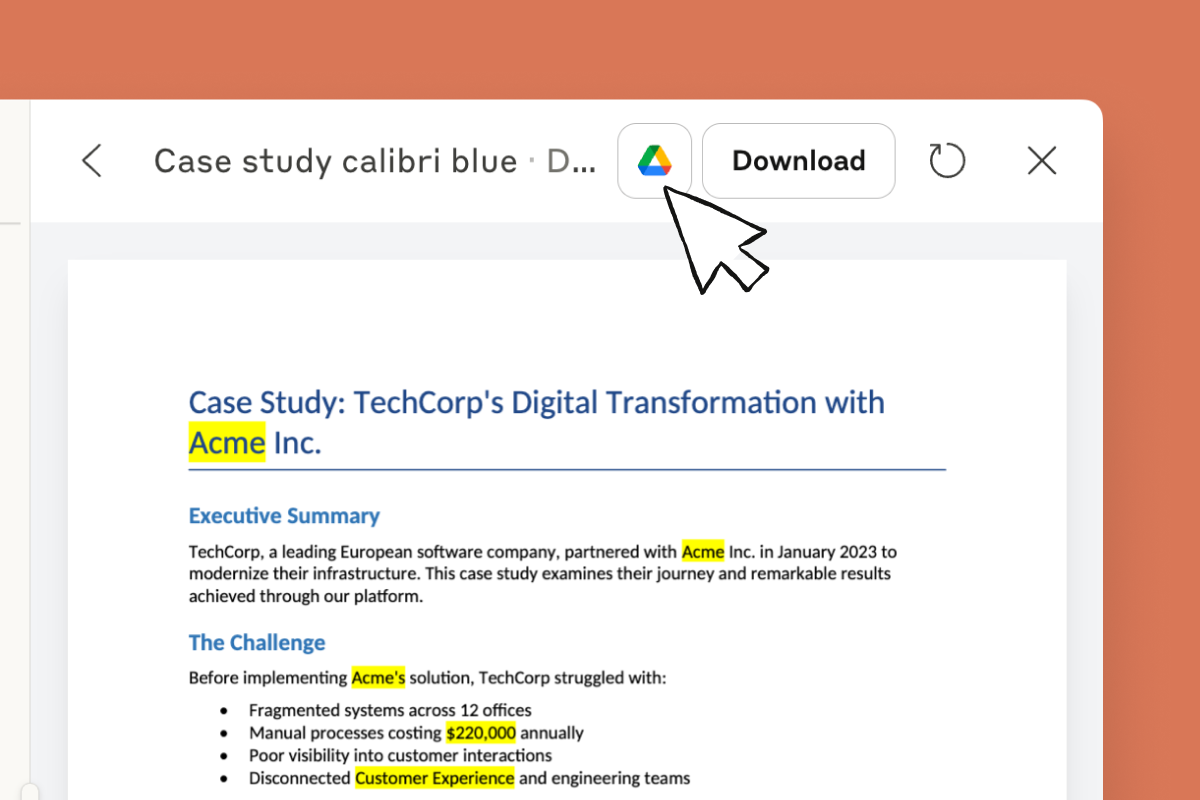
After you’re done iterating with Claude, just open the file in Drive or hit Download to finalize and share.
File creation combines AI’s ability to handle massive amounts of information with the tools we actually use to do our jobs. It’s like having an assistant that can:
Check out the examples below for a better sense of how you might work with Claude to accelerate your document analysis and creation.
Claude reads complex datasets and produces multiple coordinated outputs that tell a consistent story. Watch how a single CSV with hundreds of survey responses transforms into three deliverables: a PowerPoint presentation with key findings and visualizations, a detailed PDF report with executive summary and recommendations, and an Excel workbook with organized raw data and analysis tabs. Each file maintains professional formatting and opens directly in Office or Google Workspace.
Claude understands context when making edits across different document formats. This demo shows intelligent find-and-replace that knows when "Acme Inc." should stay formal in legal sections while becoming "Acme" elsewhere, converts "Customer Success" to "Customer Experience" except in job titles, and updates Euro prices to USD with proper calculations while preserving historical data. Your Word docs, PDFs, Excel sheets, and PowerPoints maintain their original formatting while getting updated in one pass.
Claude can look up real market data and build it directly into working spreadsheet models. In this demo, a property owner trying to decide between listing a short term or long term rental gets both the research and the analysis in one go. Claude finds current rental rates, occupancy trends, and local regulations online, then creates a multi-sheet model that uses these real numbers in its calculations. When you change any input, all the formulas update automatically. You get a financial tool and analysis based on what's actually happening in the market right now.
Claude combines information from different file types into native workbooks with live formulas and formatting. In this demo, meeting notes (text file) and an existing tracker (CSV) merge into a sophisticated multi-sheet Excel file. Open the output directly in Excel and everything remains fully editable—change any value and watch dependent calculations update, add new data that automatically inherits formatting rules, or expand the analysis with your own additions.
Simple file manipulation is just the beginning — the real power of file creation emerges when you start to combine Claude’s analytical and coding capabilities with the context of your work. This might look like: